Skip to content
PromptMotion
Claude Opus 5.5VideoPrompt

15 Motion Design Styles

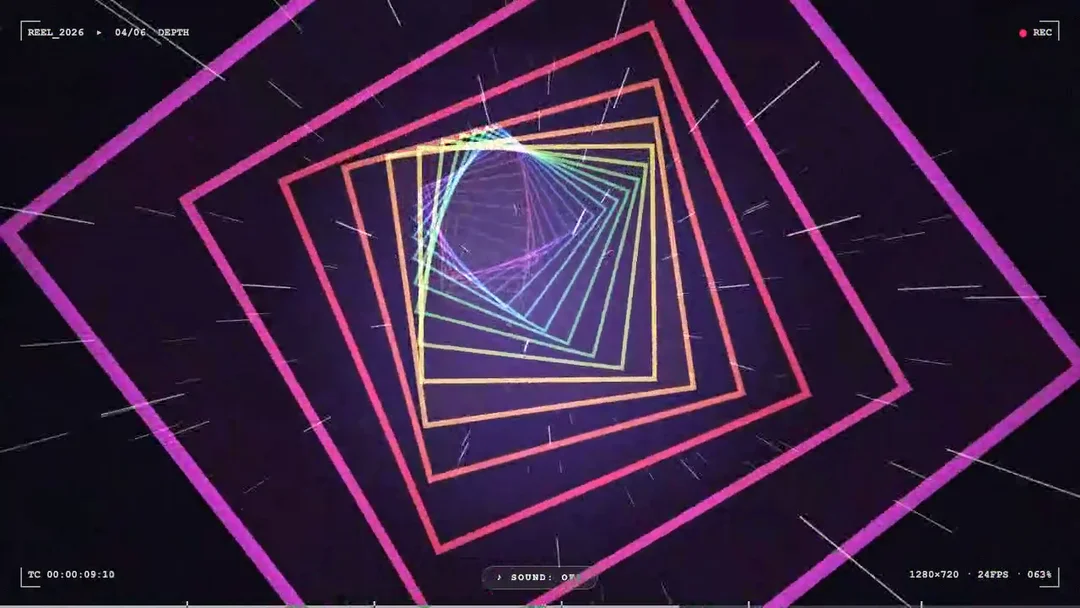
Fifteen ten-second motion-design films, picture, animation and sound all from code, which the README says Claude Opus 5.5 wrote from one prompt each, with the prompts and source beside the films.

Open live demo

Prompts

Flat / Vector 2D Motion GraphicsQuoted verbatimNeeds inputs or extra tools
No English translation yet. Copy the mixed-language original instead.Prompt source
Line Art / Line AnimationQuoted verbatimNeeds inputs or extra tools
No English translation yet. Copy the mixed-language original instead.Prompt source
Isometric / 2.5DQuoted verbatimNeeds inputs or extra tools
No English translation yet. Copy the mixed-language original instead.Prompt source
3D Render / CGI Motion DesignQuoted verbatimNeeds inputs or extra tools
No English translation yet. Copy the mixed-language original instead.Prompt source
Cel Animation / Frame-by-Frame & Line BoilQuoted verbatimNeeds inputs or extra tools
No English translation yet. Copy the mixed-language original instead.Prompt source
Collage / Cutout AnimationQuoted verbatimNeeds inputs or extra tools
No English translation yet. Copy the mixed-language original instead.Prompt source
Liquid MotionQuoted verbatimNeeds inputs or extra tools
No English translation yet. Copy the mixed-language original instead.Prompt source
Morphing / Shape MorphQuoted verbatimNeeds inputs or extra tools
No English translation yet. Copy the mixed-language original instead.Prompt source
Geometric / Bauhaus MotionQuoted verbatimNeeds inputs or extra tools
No English translation yet. Copy the mixed-language original instead.Prompt source
Retro: 80s Synthwave / VHS / Y2KQuoted verbatimNeeds inputs or extra tools
No English translation yet. Copy the mixed-language original instead.Prompt source
Gradient Blur (Aurora) & GlassmorphismQuoted verbatimNeeds inputs or extra tools
No English translation yet. Copy the mixed-language original instead.Prompt source
Variety Show Kinetic Captions (Hanazi)Quoted verbatimNeeds inputs or extra tools
No English translation yet. Copy the mixed-language original instead.Prompt source
Bold-outline Sticker Explainer MG (PaperClip / Lin Chao style)Quoted verbatimNeeds inputs or extra tools
No English translation yet. Copy the mixed-language original instead.Prompt source
Pixel Art / 8-bitQuoted verbatimNeeds inputs or extra tools
No English translation yet. Copy the mixed-language original instead.Prompt source
Cyberpunk HUD / FUI (Fictional UI)Quoted verbatimNeeds inputs or extra tools
No English translation yet. Copy the mixed-language original instead.Prompt source

Details

Type
Video
Iterations
Several rounds
Posted
Oct 2, 2026

Sources

  • GitHub@Vincentwei1021https://github.com/Vincentwei1021/mg-styles-15Oct 2, 2026 · 394 stars
Tags

More from this topic

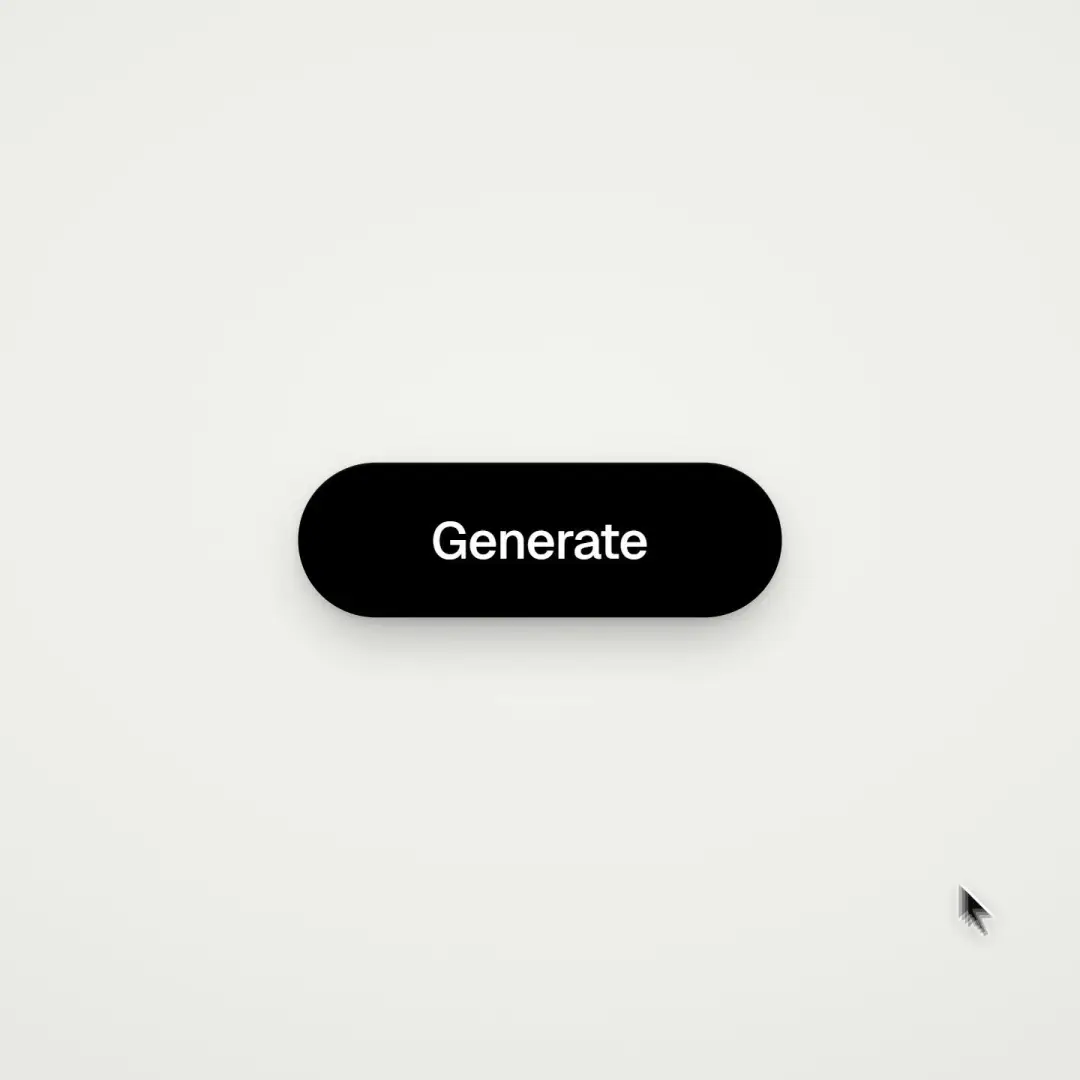
Still from UI-morph motion design, all codeVideo0:14Watch the original
Opus 5.5Prompt

UI-morph motion design, all code

@twoclipping · 12,277 likes

<inputs> Ask me for: 8 to 12 UI states I want the shape to become (e.g. button, loader, player, slider, toggle, tabs, chart, command palette, toast), pure black and white or one accent color, and a royalty-free song around 120 BPM (e.g. Mixkit, free for commercial use). </inputs> <direction> Dribbble-level UI motion. One shape, never cut: every state is the same element morphing its size, radius and color while its content swaps with a short blur. A cursor drives every change with real clicks and drags. Light warm-gray canvas, black and white components, one clean UI font (Geist). Springs everywhere, a tiny overshoot at most. The camera zooms so each state fills the frame. The last frame is the first frame, so it loops. Banned: bouncy easing, particle bursts, glows, gradients on UI chrome, mismatched icon strokes, dead time, anything that looks like a template. </direction> <structure> 120 BPM, 7 bars, something happens on every beat. Button → loader → check → dynamic island → music player with a play/pause morph → scrub the progress bar → it becomes a volume slider that stretches when dragged past max → a toggle flips on the beat → the knob becomes a liquid tab indicator → the tabs open into a chart that draws itself, with a tooltip on hover → it collapses into ⌘K → type to filter → enter → toast → back to the button. </structure> <build> 1. One HTML file, square 1440x1440. Every style is computed from time inside seek(t): no CSS transitions, no timers, no state carried between frames. 2. Springs are closed-form step responses. A value that changes target many times is the sum of one spring per change, so it stays a pure function of time. 3. The tab indicator's two edges ride different springs, so the leading edge stretches ahead of the trailing one. Same trick for the toggle knob. 4. Drags are direct manipulation: while the cursor is held, the value is computed from its position. On release it springs back from wherever it was. 5. Analyze the song with numpy for the beat grid and start on a downbeat. Place every UI sound by its measured peak. 6. Render with Playwright: 4 subframes per frame, blended with ffmpeg tmix for motion blur at 60fps. 7. Render one frame per beat before the full render. Fix anything off the grid, cramped or hard to read. </build> <gotchas> Never put will-change on anything the camera scales or the text renders blurry. Text that swaps inside a morphing container needs its own enter and exit timing or it overlaps. Make the last frame identical to the first, cursor position and speed included, or the loop stutters. </gotchas> <start> Ask me for the inputs, then show me the state list on the beat grid before you write any code. </start>

Original ↗