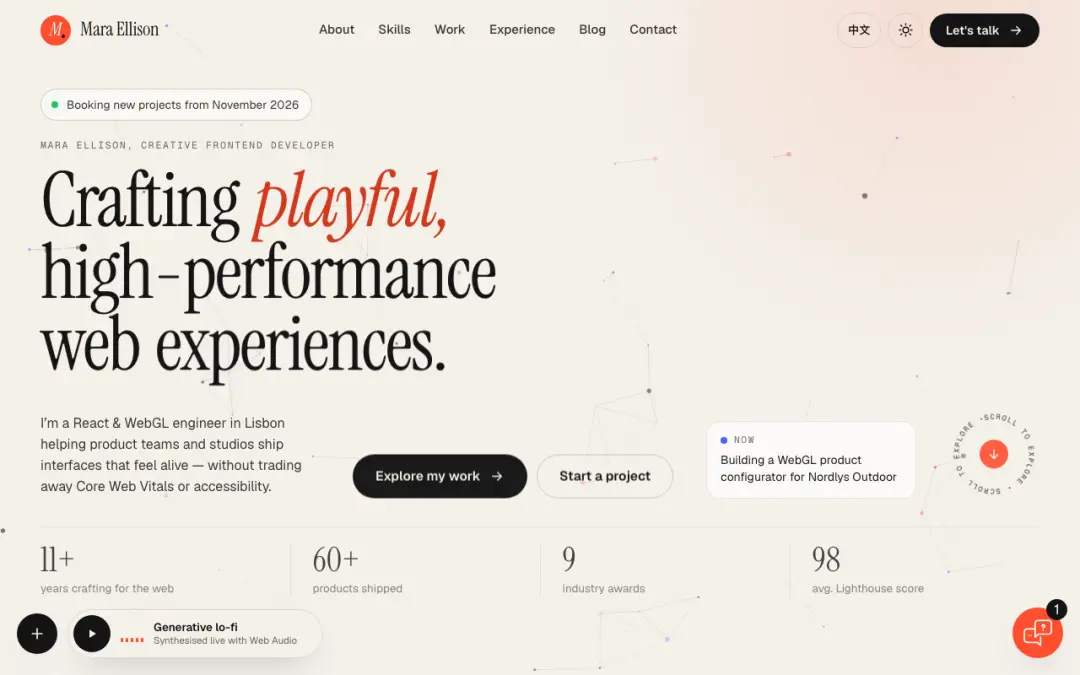
# Core Portfolio Features ## Header and Navigation ### Fixed Header - Design a minimalist, fixed header with a logo, navigation menu, and a contact button. - Use `react-scroll` for smooth scrolling to sections. - Add an animated hamburger menu for mobile navigation using Framer Motion. ### Custom Cursor - Implement a custom cursor using `react-custom-cursor`. - Add a mouse trailer effect using `react-mouse-particles`. ### Keyboard Navigation - Use `react-focus-lock` for accessible keyboard navigation. ## Hero Section ### Animated Text Reveal - Use Framer Motion for animated text reveal effects. ### Particle Background - Add a `particles.js` background for subtle, interactive visuals. ## About Section ### Professional Headshot and Bio - Include a professional headshot and a concise bio. ### Scroll-Based Storytelling - Use the AOS library for scroll-based animations. ## Skills Section ### Animated Progress Bars - Use Chart.js for animated progress bars or radar charts. ### Skills Word Cloud - Add an interactive word cloud using `react-wordcloud`. ### Custom Tooltips - Use `react-tooltip` for skill explanations. ## Projects Showcase ### Masonry Grid - Use `react-masonry-css` for a responsive masonry grid. ### Filterable Categories - Implement filterable categories for projects. ### Modal Popups - Add modal popups for detailed project views. ### Lazy Loading - Use `next/image` for lazy loading of project images. ### WebGL Transitions - Use Three.js for WebGL-powered transitions between projects. ## Testimonials ### Carousel - Use Swiper.js for a testimonials carousel with autoplay and pause on hover. ## Experience Timeline ### Vertical Scroll Animations - Use the AOS library for scroll animations in the experience timeline. ## Blog Section ### File-Based Routing - Use Astro’s `src/pages` structure for easy navigation. ### Markdown Content - Use Markdown for blog posts with frontmatter for metadata. ### Content Collections - Implement Astro’s content collections for organized blog post management. ### Dynamic Blog Post Pages - Create a `[slug].astro` page for individual blog post rendering. ### Static Site Generation (SSG) - Use Astro’s SSG for optimal performance and SEO. ### Blog Post Lists - Use `Astro.glob()` to query and display blog post lists on index and archive pages. ### Syntax Highlighting - Use Astro’s built-in support for syntax highlighting in code blocks. ### RSS Feed - Implement an RSS feed using Astro’s RSS package. ### Tagging System - Create a tagging system with individual tag pages for content organization. ### Reading Time Estimation - Implement reading time estimation for each blog post. ### Table of Contents - Design a table of contents component for long-form articles. ### Related Posts - Add a related posts section at the end of each blog post. ### Social Sharing Buttons - Implement social sharing buttons for each blog post. ### Newsletter Subscription - Design a newsletter subscription form with Astro’s form handling. ### Comments System - Integrate a comments system using Disqus or Utterances. ### Featured Posts Carousel - Design a featured posts carousel for the homepage. ### Custom Video Player - Create a custom video player component for video content. ### Time to Read Progress Bar - Implement a "time to read" progress bar for blog posts. ### Copy Code Button - Add a "copy code" button for code blocks. ### Custom Blockquote - Design a custom blockquote component with styling options. ### Last Updated Indicator - Add a "last updated" indicator for blog posts. ## Contact Section ### Contact Form - Add a contact form with client-side validation and reCAPTCHA integration. ### Drag-and-Drop File Upload - Use `react-dropzone` for file uploads. ## Social Media Integration ### Floating Action Button - Add a floating action button for quick access to social media profiles. ### Animated Icons - Use SVG animations and GSAP for animated social media icons. ## Additional Features ### Dark Mode - Implement a dark mode toggle using custom hooks and `localStorage`. ### Audio Player - Add a custom audio player for background music with play/pause toggle. ### Scroll-to-Top Button - Add a scroll-to-top button that appears after scrolling down. ### Microinteractions - Use `react-spring` for button and link animations. ### Custom Loading Screen - Use SVG animations for an animated logo loading screen. ### Interactive Resume - Create an interactive timeline with expandable sections. ### Custom 404 Page - Design a 404 page with animated illustrations using Lottie. ### Confetti Effect - Use `react-confetti` for achievements or special events. ### Live Chat - Add a live chat widget using `react-chat-widget`. ### Interactive Globe - Use `react-globe.gl` to show work locations. # SEO Checklist (Fully Included and Enhanced) ## On-Page SEO ### Title and Meta Description - Use a clear, concise title tag and compelling meta description with primary keywords. ### Heading Tags - Use a single `<h1>` tag and structure content with `<h2>` to `<h6>` tags, incorporating relevant keywords. ### URL Optimization - Optimize URLs and include primary keywords in the first 100 words. ### Schema Markup - Implement schema markup using JSON-LD for rich snippets (FAQ, product, review, event). ### Image Optimization - Optimize images with descriptive ALT tags and SEO-friendly file names. ### Internal Linking - Add internal links with descriptive anchor texts. ### Breadcrumb Navigation - Implement breadcrumb navigation and markup. ### Canonical Tags - Use canonical tags to avoid duplicate content issues. ### Pagination - Implement proper pagination with `rel="prev/next"` tags. ### AMP - Implement AMP for news/blog content. ## Technical SEO ### XML Sitemap - Create and submit an XML sitemap. ### Robots.txt - Implement a `robots.txt` file to control crawler access. ### Mobile-Friendliness - Ensure the website is mobile-friendly and responsive. ### HTTPS - Ensure the website uses HTTPS. ### Page Speed - Optimize page speed by minimizing HTTP requests, using a CDN, and lazy loading. ### Core Web Vitals - Optimize for LCP, FID, and CLS. ### JavaScript Handling - Ensure proper handling of JavaScript for search engine crawlers. ### Dynamic Rendering - Use dynamic rendering for JavaScript-heavy pages if necessary. ## Advanced SEO ### International Targeting - Use `hreflang` tags for multi-lingual support. ### Voice Search Optimization - Optimize for voice search by using natural language and FAQ schema. ### Google Discover - Optimize for Google Discover by using high-quality images and engaging content. ### Local SEO - Implement structured data for local business information. ### Video SEO - Use schema markup for video content. ### News SEO - Optimize for Google News using the `news_keywords` meta tag. # Deployment and Maintenance ### Deployment - Deploy on Vercel or Netlify for optimal Next.js performance. ### Analytics - Integrate Google Analytics or other tracking tools. ### Backup and Updates - Regularly back up the project and update dependencies. # Testing and Debugging ### Cross-Browser Testing - Test the website on Chrome, Firefox, Safari, and Edge. ### Performance Testing - Use tools like Lighthouse, PageSpeed Insights, and WebPageTest. ### Debugging - Use React DevTools and Next.js debugging tools.